


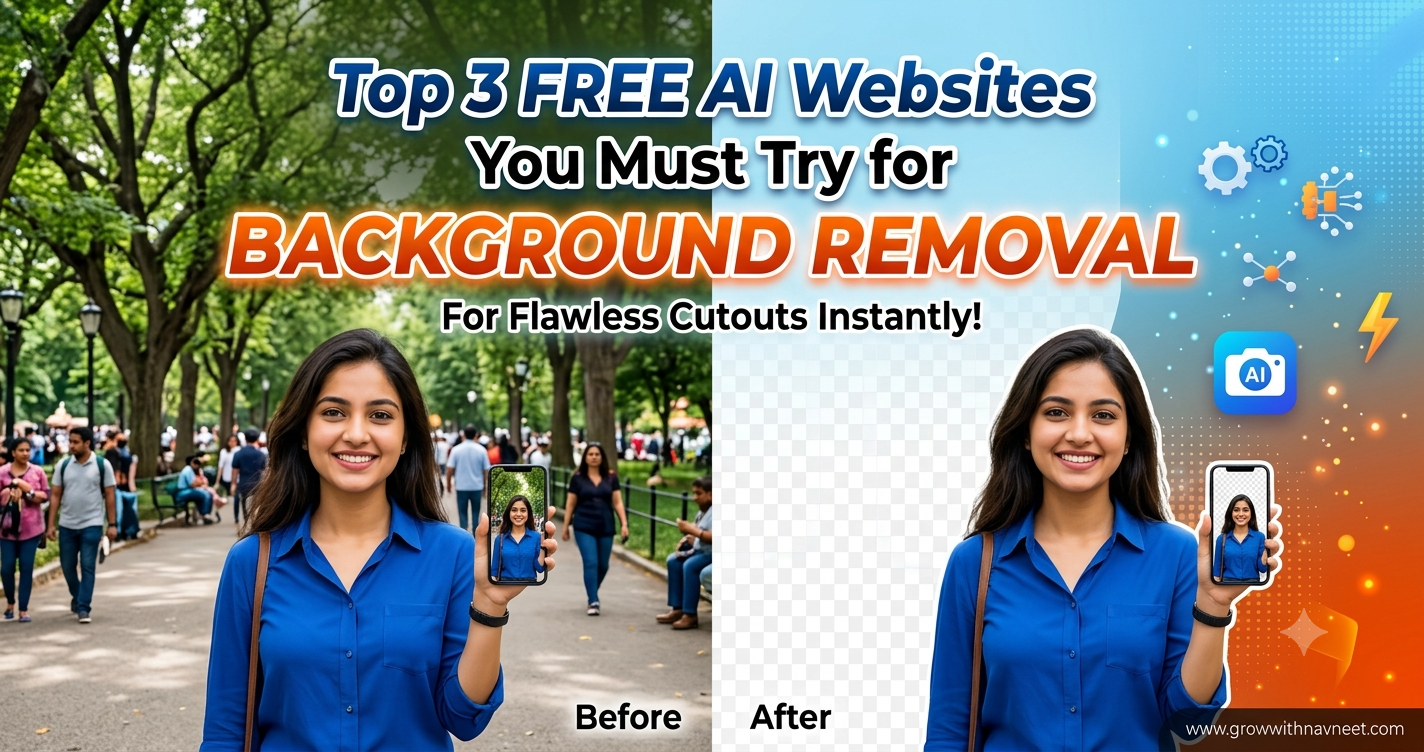
Removing the background from an image used to be a time-consuming task. You often needed Photoshop or other complicated editing software, and even then, getting clean results around hair, clothes, or small objects could take a lot of effort.
Today, things are much easier. With AI-powered online tools, you can remove an image background in just a few clicks without being a professional photo editor.
If you are looking for a Free background remover, there are several excellent websites that can do the job quickly and automatically. In this article, we are going to look at three useful options: remove.bg, Adobe Express, and Photoroom.
These tools can be useful for product photos, social media posts, profile pictures, YouTube thumbnails, e-commerce images, and many other creative projects.
Let’s check out the top three tools.
1. Remove.bg – Simple and Fast Background Removal
When it comes to removing backgrounds from images, remove.bg is one of the easiest tools to use. The website is built specifically around automatic background removal, so you don’t have to search through complicated editing menus.
Simply upload your image and the AI automatically detects the main subject and removes the background.
The official website says that remove.bg can automatically remove image backgrounds and can also create transparent PNG images. It can be useful for e-commerce photos, professional headshots, car listings, logos, and other graphics.
Why Use Remove.bg?
The biggest advantage is simplicity. You don’t need to manually select the subject or carefully erase the background.
You can use it for:
- Product photography
- Profile pictures
- Passport-style images
- YouTube thumbnails
- Social media graphics
- E-commerce listings
- Logos and creative designs
If you need a Free background remover that focuses on doing one job quickly, remove.bg is a great website to try.
How to Use Remove.bg
Using the website is very simple:
- Visit remove.bg.
- Upload your image.
- Let the AI process the image.
- Check the background removal.
- Download or continue editing your image.
The whole process is designed to be quick, making it useful when you need to edit multiple images without opening complicated software.
2. Adobe Express – More Than Just a Background Remover
Adobe Express is another excellent option if you want background removal along with additional design and editing features.
Unlike a tool that focuses mainly on background removal, Adobe Express is an all-in-one platform for creating and editing social posts, images, videos, flyers, and other content. Adobe currently offers a free plan with basic content creation tools, while some advanced features are part of its premium plans.
This makes Adobe Express particularly useful for creators who want to remove a background and then continue editing the image.
What Can You Do With Adobe Express?
After removing a background, you can continue working on your design. For example, you can:
- Add a new background
- Add text
- Create social media graphics
- Resize your design
- Add images and graphics
- Create promotional content
- Make videos and other visual content
Adobe Express also includes AI-powered content creation features, making it a useful option for people who regularly create digital content.
If you want a Free background remover that also gives you access to a wider set of design tools, Adobe Express is worth checking out.
Who Should Use Adobe Express?
Adobe Express is a good choice for:
- Bloggers
- Social media creators
- Small businesses
- Students
- Marketers
- YouTubers
- Freelancers
For example, you could remove the background from a product photo and immediately turn it into an Instagram post or promotional banner.
3. Photoroom – Great for Product Photos
Photoroom is another powerful AI-powered image editing platform, especially useful for people working with product photography.
The platform focuses heavily on e-commerce and product visuals. Its current website highlights features such as background removal, AI product photography, instant resizing, AI shadows, recoloring, and product staging.
The background remover is particularly useful when you want to isolate a product and place it on a clean or customized background.
Why Choose Photoroom?
One of the biggest strengths of Photoroom is that it goes beyond simply deleting a background.
For example, after removing the background, you can create a more professional product image by adding a new background, generating a lifestyle scene, adding shadows, or resizing the image for different platforms.
This makes it especially useful for online sellers.
Best Uses for Photoroom
You can use Photoroom for:
- Amazon product images
- Shopify product photos
- Instagram posts
- Marketplace listings
- Product advertisements
- Clothing photography
- Social media content
If you’re searching for a Free background remover that is especially useful for product images, Photoroom is a strong option.
Remove.bg vs Adobe Express vs Photoroom
All three websites can help you remove backgrounds, but they are designed for slightly different purposes.
Remove.bg is best when you want a simple and quick background removal experience.
Adobe Express is better if you want to remove a background and then create a complete graphic or social media design.
Photoroom is particularly useful for product photography and e-commerce content.
So, the best Free background remover for you depends on what you want to do after removing the background.
| Tool | Best For | Ease of Use |
|---|---|---|
| Remove.bg | Quick background removal | Very Easy |
| Adobe Express | Background removal + graphic design | Easy |
| Photoroom | Product photos and e-commerce | Very Easy |
Why Use an AI Background Remover?
AI has made image editing much faster. Instead of manually selecting every part of an image, AI can identify the main subject automatically.
This is especially helpful when you’re working with hair, clothing, products, people, or objects with complicated edges.
A Free background remover can save you a lot of time if you regularly create images for your website or social media.
For bloggers and website owners, clean images can also make articles and product pages look much more professional.
Which Tool Should You Choose?
If you only want to remove the background quickly, Remove.bg is probably the simplest choice.
If you want a complete design platform where you can continue editing your image, Adobe Express is a better option.
If your main goal is creating professional product images for an online store, Photoroom is worth trying.
All three platforms have their own strengths, so you don’t necessarily have to choose just one. You can use different tools depending on the project.
For everyday editing, having a reliable Free background remover in your bookmarks can save you plenty of time.
Final Thoughts
Removing image backgrounds no longer requires expensive software or advanced Photoshop skills. AI-powered websites have made the process incredibly simple, even for beginners.
Remove.bg, Adobe Express, and Photoroom are three websites worth trying if you regularly work with images.
Remove.bg is ideal for quick background removal, Adobe Express is great for creating complete designs, and Photoroom is especially useful for product photography and e-commerce.
Whether you’re a blogger, YouTuber, social media creator, freelancer, or online seller, these tools can make your image-editing workflow much faster.
If you are looking for a Free background remover, start with these three websites and see which one fits your workflow best.
For more useful AI websites, free AI tools, blogging tips, SEO guides, and digital marketing resources, keep visiting GrowWithNavneet.com.
