


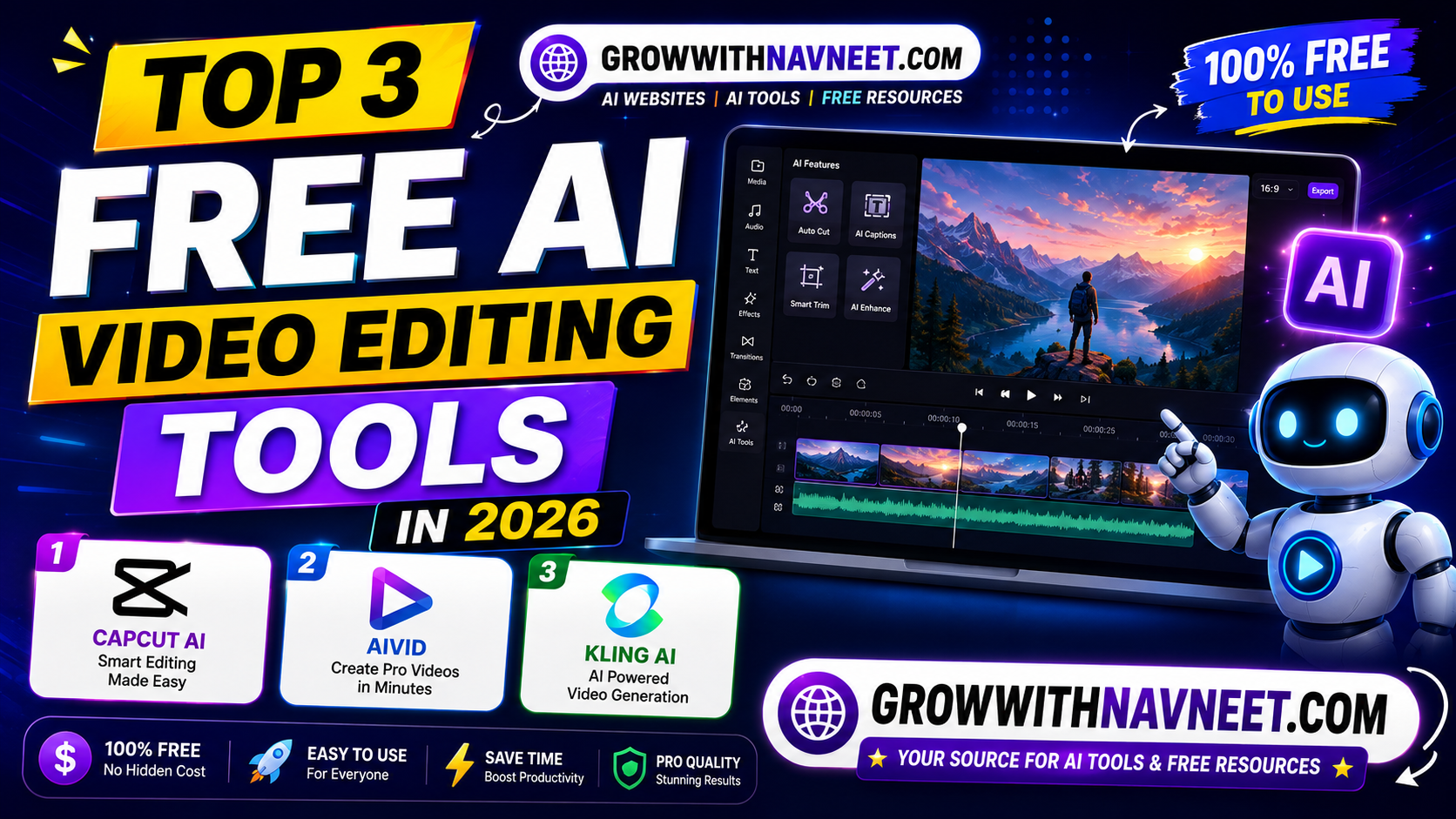
Video content continues to dominate every major platform in 2026. Whether you’re creating YouTube Shorts, Instagram Reels, TikTok videos, or marketing content, having the right editing software can save you hours of work. Thanks to artificial intelligence, editing videos no longer requires professional skills or expensive software.
If you’re searching for the Top 3 FREE AI Video Editing Tools, you’ve come to the right place. In this guide, we’ll explore three powerful AI-powered video editing platforms that help creators edit videos faster, improve quality, and produce professional results—all without spending a fortune.
Let’s dive into the Top 3 FREE AI Video Editing Tools you should try this year.
1. CapCut AI – The Best AI Video Editor for Content Creators
CapCut AI has become one of the most popular video editing tools for creators worldwide. Developed with powerful AI features, it allows users to create professional-quality videos in minutes.
Whether you’re editing YouTube Shorts, Instagram Reels, Facebook videos, or TikTok content, CapCut AI offers everything you need in one place.
Key Features
- AI Auto Captions
- AI Background Removal
- AI Video Upscaling
- AI Voice Generator
- AI Script-to-Video
- Auto Beat Sync
- Trending Effects and Filters
- Easy Drag-and-Drop Editor
One of the biggest advantages of CapCut AI is its beginner-friendly interface. Even if you’ve never edited a video before, you can create engaging content using its built-in AI tools.
Why Choose CapCut AI?
- Free to use
- Fast rendering speed
- Supports 4K exports
- Available on desktop and mobile
- Perfect for YouTube Shorts and Reels
For creators looking for the Top 3 FREE AI Video Editing Tools, CapCut AI is an excellent starting point.
2. AIVID – AI Video Editing Made Simple
AIVID is an emerging AI-powered video editing platform designed to simplify the editing process. Instead of spending hours trimming clips, adding transitions, and generating subtitles manually, AIVID automates many editing tasks using artificial intelligence.
This makes it an excellent choice for beginners, marketers, educators, and social media creators.
Key Features
- AI Video Enhancement
- Automatic Scene Detection
- AI Subtitle Generator
- Smart Video Trimming
- AI Voiceovers
- One-Click Social Media Export
- AI Templates
AIVID helps creators focus more on producing content rather than spending hours editing it.
Why Choose AIVID?
- User-friendly interface
- Quick editing workflow
- AI-powered automation
- Great for short-form videos
- Free features for beginners
Among the Top 3 FREE AI Video Editing Tools, AIVID stands out for its simplicity and speed.
3. Kling AI – AI Video Generation & Editing
Kling AI has quickly become one of the most talked-about AI tools in 2026. While it’s widely known for text-to-video generation, it also includes advanced AI editing capabilities that make creating cinematic videos easier than ever.
Creators can generate realistic video clips from simple prompts and enhance existing footage with AI-powered effects.
Key Features
- AI Text-to-Video
- Image-to-Video Conversion
- AI Motion Effects
- High-Quality Video Generation
- Cinematic Camera Movements
- Realistic Character Animation
- Creative Video Styles
Kling AI is ideal for YouTubers, filmmakers, advertisers, and businesses looking to create visually impressive videos without expensive production equipment.
Why Choose Kling AI?
- High-quality AI video generation
- Easy prompt-based editing
- Creative storytelling features
- Fast rendering
- Beginner-friendly workflow
It’s no surprise that Kling AI is considered one of the Top 3 FREE AI Video Editing Tools available today.
Why Use AI Video Editing Tools?
Artificial intelligence has transformed video production by making editing faster, easier, and more efficient.
Save Hours of Editing
AI automatically removes silence, trims unnecessary clips, generates captions, and applies transitions.
No Professional Skills Required
Anyone can create professional-looking videos with simple drag-and-drop tools and AI automation.
Better Video Quality
Many AI tools improve lighting, stabilize shaky footage, enhance resolution, and reduce background noise automatically.
Perfect for Social Media
These editors are optimized for YouTube Shorts, Instagram Reels, TikTok, Facebook, and other popular platforms.
Increase Productivity
Instead of spending several hours editing one video, AI allows creators to publish more content in less time.
This is why more creators are switching to the Top 3 FREE AI Video Editing Tools to streamline their workflow.
Which AI Video Editing Tool Should You Choose?
The best choice depends on your content creation goals.
- CapCut AI is ideal for YouTube Shorts, Reels, and everyday social media editing.
- AIVID is perfect for beginners who want automated editing and AI-powered subtitles.
- Kling AI is the best option for creators interested in cinematic AI-generated videos and text-to-video technology.
All three platforms offer unique features, making them worthy contenders in the list of the Top 3 FREE AI Video Editing Tools in 2026.
Final Thoughts
AI has completely changed the way videos are created and edited. Whether you’re a YouTuber, blogger, marketer, or social media influencer, using AI-powered editors can save time while improving the quality of your content.
The Top 3 FREE AI Video Editing Tools featured in this article—CapCut AI, AIVID, and Kling AI—provide powerful features for creators of all skill levels. From automatic captions and smart editing to text-to-video generation, these tools help you produce professional videos with minimal effort.
If you’re looking to grow your online presence and create engaging videos in 2026, give these AI tools a try. For more AI tools, blogging tips, SEO strategies, and digital marketing guides, visit GrowWithNavneet.com regularly and stay updated with the latest AI innovations.
